- troop@monkeyflow.co.uk
- +44 20 3995 1020
- Contact

Case Study
Established in 1993, Stofix design and manufacture the industry’s most innovative brick slip solution.
How MonkeyFlow helped Stofix get accurate, current CAD information to the factory faster — using live CAD drawings to extract quantities, make sheets and schedules.
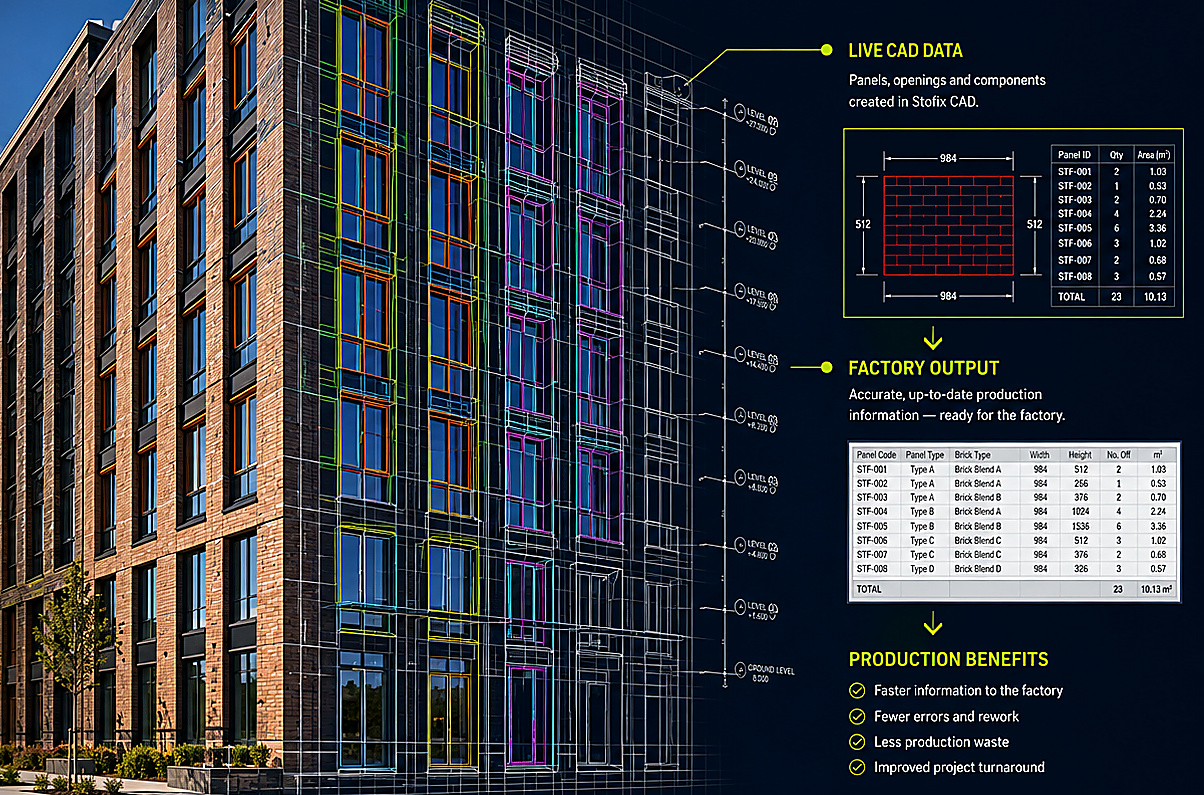
Who Stofix is
Established in 1993, Stofix designs and manufactures an innovative brick-slip cladding system and has built a strong presence in the UK and across Europe. Their design teams take external façade schemes and develop the Stofix panel types, configurations and production information required to manufacture and install the finished system.
The challenge
Once an architect’s façade scheme was received, Stofix designers needed to determine suitable panel types and configurations for manufacture. Due to the near-infinite number of possible sizes, edge conditions and brick bonds, a conventional predefined CAD library was virtually impossible to produce.
Each panel also required a code describing its type, size, bond and edge conditions. Those codes were created manually and later used to generate make sheets and schedules for the factory.
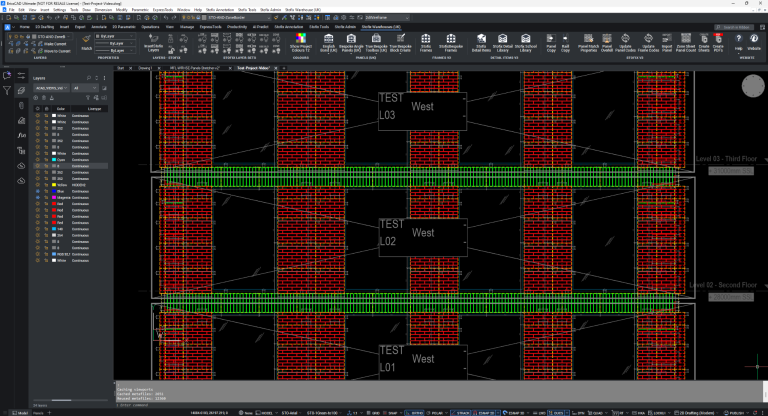
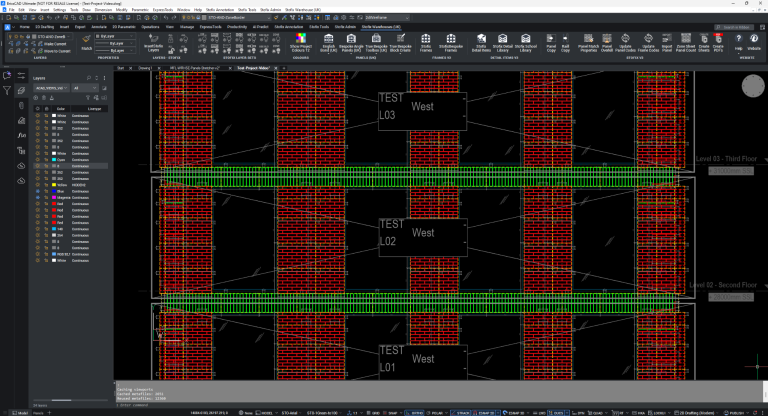
A typical Stofix project elevation. The bespoke Stofix tools remain accessible directly in the CAD environment.
What MonkeyFlow built
The solution started with the panels themselves: a large library of intelligent parametric Stofix panel blocks, held in instantly accessible warehouse files, followed by automatic coding driven directly from each panel’s size and configuration.
MonkeyFlow built warehouse files containing intelligent parametric CAD panel blocks. Instead of continually drawing new panels, designers could then copy/paste approved Stofix content and adjust each block into a vast range of sizes, brick bonds and edge configurations to suit the project. This removed the need to repeatedly recreate panels and gave the design team a controlled, reusable source of Stofix geometry.
MonkeyFlow then created custom programming that creates each panel code automatically from the parametric block's size and configuration state. The identifier therefore comes from the panel that is actually drawn, rather than being manually constructed and typed by a designer. This removed a repetitive manual task and reduced the risk of incorrect coding reaching make sheets, schedules and ultimately the factory.
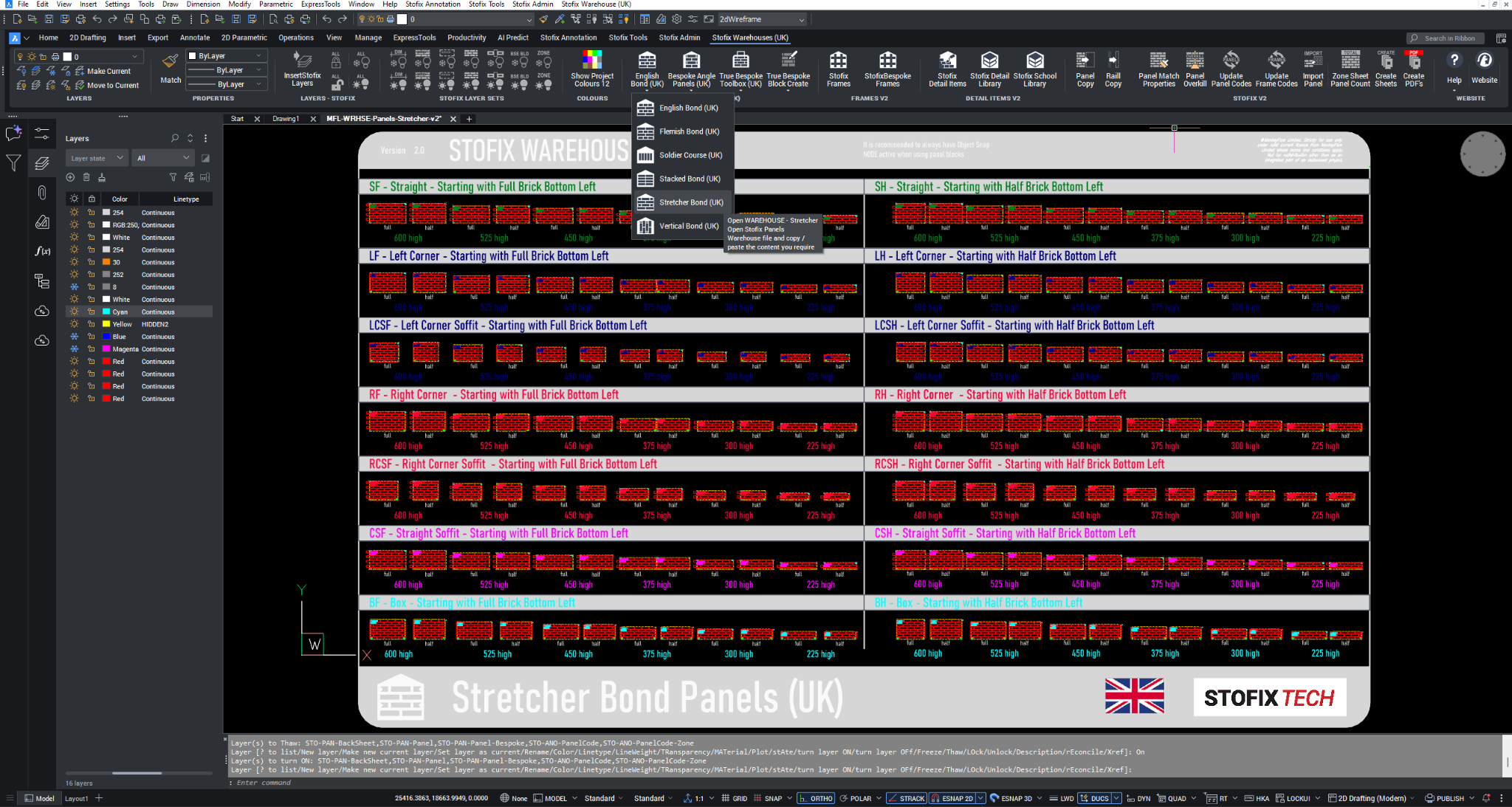
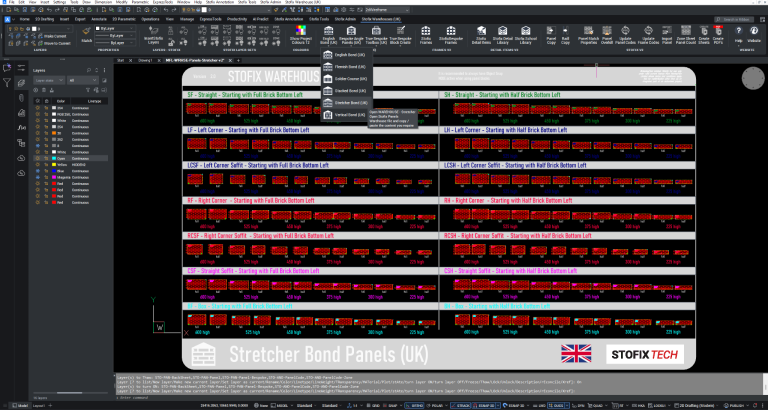
One of the Stofix warehouse files: reusable parametric panel content is available directly to designers instead of being recreated project by project.
Tools to Support the Workflow
Annotation, project, production and administration tools were then integrated into bespoke Stofix ribbons so the complete workflow could be accessed consistently from within CAD.

Controlled drawing standards for layers, dimensions, leaders, sections, views, grids, levels and labels.

Project, sheet, menu, export and production functions used by the wider design team.

Restricted tools for advanced configuration, panel and frame setup, project administration and data exports.
Regional content
Stofix works across different regions, and brick sizes vary between markets. The bespoke system therefore provides regional warehouse ribbons for the UK, Norway and Finland while keeping the wider workflow consistent.

UK-specific brick bonds, bespoke panels, frames, detail items and Stofix production tools.

Norwegian brick sizes and warehouse content integrated into the same working method.
Finnish panel and brick-size content, again using the same common Stofix toolset.
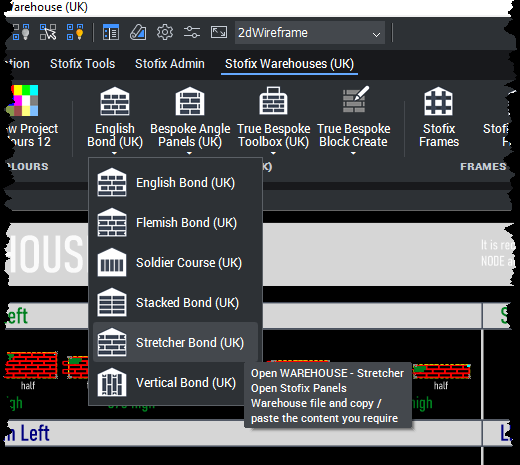
The Stofix Warehouses ribbon gives designers direct access to approved regional panel content. In the UK library this includes English Bond, Flemish Bond, Soldier Course, Stacked Bond, Stretcher Bond and Vertical Bond. Designers can open the appropriate warehouse, copy/paste the approved parametric content they need, then adjust it to suit the project — without recreating common panel conditions from scratch.
The connected workflow
The value of the system is the connection between each stage. Controlled CAD content is used to create the project elevation, then reused to generate the information required downstream.
Regional warehouses give designers access to approved panel arrangements, frames, details and other components directly from the ribbon.
Stofix panel types and configurations are applied across the façade using the same controlled tools and drawing standards.
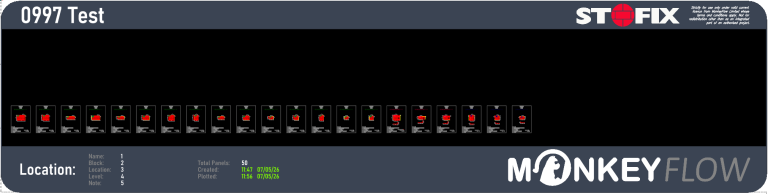
Custom tools automatically extract the panels used on the project into make-sheet layouts and reuse the panel information already contained in the CAD data. The example set shown contains 50 panels. Each individual make sheet carries the panel reference, dimensions, quantity, brick and mortar information, frame, bond, scale and other information taken directly from the coordinated CAD data.
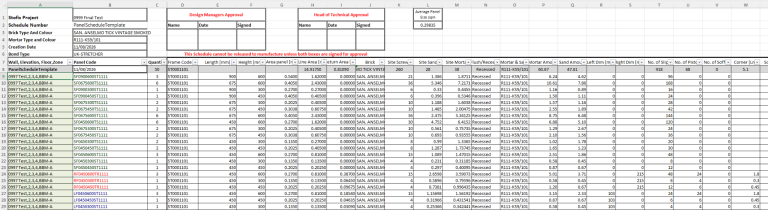
The same coordinated project data is automatically exported from CAD into Excel for downstream checking and manufacture, including panel codes, quantities, frame codes, dimensions and other production information.
The system evolved with Stofix
The original bespoke solution was developed around Stofix’s AutoCAD workflow. Stofix has since migrated to BricsCAD, and MonkeyFlow converted the system so the established tools, regional warehouses and production workflow could continue on the new CAD platform.
This is the same system shown throughout the current screenshots on this page.
The result
Stofix immediately reported huge improvements in reducing drawing errors and drawing production speed after the system was introduced.
Panel naming and production data became controlled by the CAD system rather than repeated manual input.
Stofix reported no incorrect panels being delivered and quantities being correct.
Monotonous tasks such as creating and printing make sheets were eliminated.
Stofix also reported a significant improvement in the graphic consistency of drawings across offices.
for a typical set of elevations
Bespoke workflow development
The Stofix system was created around a real design-to-production process rather than forcing the team into a generic CAD workflow.